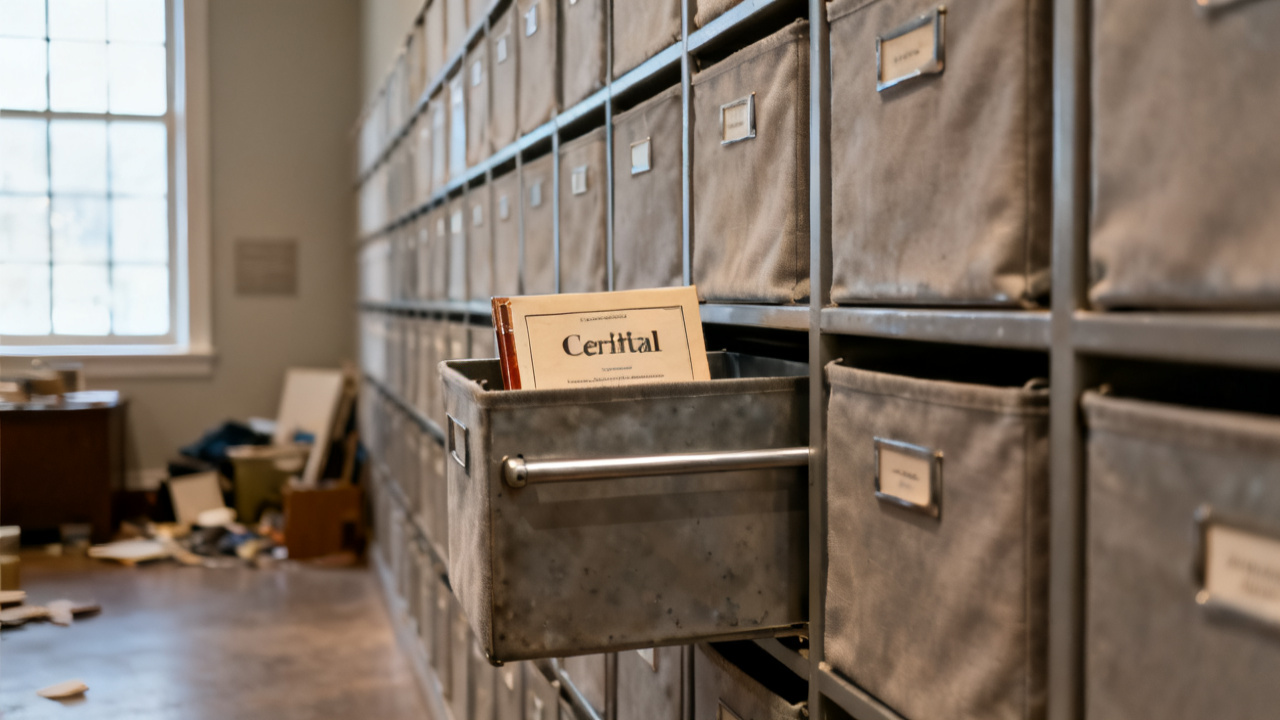
The traveler says the material was issued. The bar is still in the rack. You run a finger along the printed issue line, cross-reference the heat number scrawled in the margin, and glance back at the 12-foot 4140 bar propped in the raw stock rack three feet from your saw bed. No prior cut marks run along its length, and the job’s required 2-foot blank is not staged anywhere on your bench. You haven’t touched this order since you clocked in 45 minutes prior, so the discrepancy is not from any cuts you made earlier in the shift.
Material issue line cross-reference for this 4140 cut order
You start by matching the exact line entry on the traveler to the pull ticket attached to the top left corner. The line lists a 12-foot 4140 cold-finish bar, heat number 78924, pulled at 06:17 this morning for this specific 2-foot blank cut for the hydraulic manifold job. You note that the pull ticket signature is illegible, no initials match any of the three day shift stock pullers you work with regularly.
| Field | Traveler Entry | Physical Stock Match |
|---|---|---|
| Alloy Type | 4140 Cold Finish | Match |
| Heat Number | 78924 | Match |
| Stock Length | 12 Foot | Match |
| Pull Timestamp | 06:17 10/12/2024 | No Matching Pull Log Entry |
You cross-reference each field with the physical bar and shop inventory system to rule out simple misfiling before escalating the issue. Illustrative example: A misfiled pull ticket for this heat number can hold up this cut by 90 minutes while the stock team retraces their morning pulls, so you prioritize checking the log before flagging the issue to your supervisor. You do not make any marks on the traveler yet, to avoid cluttering the margin with unconfirmed notes.
Bar stock heat number match verification step
You grab a paint marker from your bench apron, scribe the last four digits of the heat number on the end of the bar you pulled from the rack to confirm you are not cross-referencing the wrong stock. You run a caliper along the bar’s diameter to confirm it matches the 1.75 inch spec listed on the traveler, no variance outside the 0.005 inch allowed for raw stock. You check for any partial cuts that might indicate the required blank was already pulled and misplaced, but the entire length of the bar is unmarred, no saw marks or scribe lines anywhere along its surface. You set the bar on the saw’s infeed roller so it stays accessible while you resolve the discrepancy, no need to put it back in the rack until you confirm the issue. You also check the adjacent rack slots for other bars of the same alloy, to make sure you didn’t grab the wrong length by mistake, but all other 4140 bars are either 6 foot or 24 foot lengths, so no match for the 12 foot spec listed.
Saw cut log cross-check for unrecorded prior shifts
You pull up the digital cut log for this saw on the tablet mounted to your bench, filter for all cuts of 4140 1.75 inch bar from the last three shifts. No entries match the job number listed on this traveler, so no prior operator cut the required blank and failed to log it. You check the scrap bin next to the saw for any offcuts from this heat number, find only small drops of 304 stainless from the previous run of bracket parts. You wipe down the saw’s workholding to remove any leftover stainless shavings so you don’t contaminate the 4140 once you are cleared to make the cut. You also check the staging shelf next to your bench for any unlabeled blanks, in case the prior operator cut the part and forgot to tag it with the job number, but all staged parts are labeled for the agricultural bracket run you are currently working through.
Line item adjustment entry for unissued stock
You grab a blue ballpoint pen from your bench (only blue ink is allowed for floor adjustments to travelers, per shop policy) and write a note next to the material issue line indicating the bar is still in raw stock, no pull is recorded, and you have verified the heat number matches the job spec. You initial and date the note, leave a blank space next to it for the stock lead’s signature once they confirm the pull was never processed. You do not cross out the original issue line, you only add the adjustment note in the margin, per SOP, so the front office can track the discrepancy for inventory reconciliation later. You snap a photo of the adjusted line to send to the Traveler Desk if you don’t get a supervisor sign-off before your break, to ensure the discrepancy is logged even if you step away from your bench for any reason. You clip the pull ticket back to the traveler so the supervisor can reference the signature when they review the issue.
Issue resolution sign-off for floor supervisor approval
You flag down your shift supervisor as they walk past the saw area, hand them the traveler and point to your adjustment note. You walk them over to the bar on the infeed roller, show them the matching heat number, and pull up the cut log on your tablet to confirm no prior cuts were made for this job. The supervisor signs off on your adjustment, marks the stock as pulled at the current time, and sends a quick message to the stock team to correct their pull log for the day. You receive a confirmation ping on your tablet 2 minutes later that the inventory entry is updated, so you are cleared to make the cut as soon as you finish your current running order. You set the traveler in the slot on your bench reserved for jobs cleared to run, so you don’t mix it up with pending orders that still have unresolved discrepancies. You tuck the bar back in the top slot of the raw stock rack temporarily, so it doesn’t take up space on the infeed roller while you finish the remaining 12 bracket cuts you have in progress.
Next visit to this traveler for saw prep tasking
When you pick this traveler back up after finishing your current run, you first confirm the adjustment signature is still visible, no other changes have been made to the issue line while you were working on the other order. You double check the bar is still staged in the top rack slot, no other operator moved it for a different job. You reference the cut spec listed on the second page of the traveler to set your saw fence to 24 inches, add a 0.125 inch allowance for the saw kerf, and run a test cut on a scrap piece of 4140 to confirm your fence alignment is accurate before cutting the issued bar. You do not make any permanent marks on the bar until you have reconfirmed all specs on the traveler match the material you are cutting, to avoid wasting stock if a last minute spec change comes in. You also check the traveler for any new notes added by engineering or the front office, to make sure the cut length or alloy hasn’t been updated while the discrepancy was being resolved. Once you confirm all specs are correct, you load the bar into the saw’s workholding, clamp it down securely, and initiate the cut per standard operating procedure.